SmartCAD gives you 100% DWG compatibility, the same commands you already know, and a professional interface — for a one-time payment from $395. No annual subscription. No cloud dependency. Yours forever.
SmartCAD isn’t here to tell you AutoCAD is bad. In fact, AutoCAD is an industry-proven tool used by millions of professionals worldwide. However, the issue isn’t the software — it’s the subscription model. Specifically, paying $1,975 every single year — forever — for a tool you already know how to use simply doesn’t make financial sense when a professional alternative exists.
An honest look at how SmartCAD stacks up against AutoCAD and other alternatives for professional use.
The table below compares key capabilities across the most commonly considered CAD options. As a result, you can see exactly where each tool fits — and where it falls short.
| Feature | SmartCAD smartcadsoft.com From $395 · perpetual | AutoCAD autodesk.com ~$1,975/year | BricsCAD bricsys.com From ~$595/year | FreeCAD freecad.org Free / open source | LibreCAD librecad.org Free / open source |
|---|---|---|---|---|---|
| Licensing & Cost | |||||
| Perpetual license available | ✓ | ✕ | ✓ | ✓ | ✓ |
| One-time price (Standard) | $395 | Subscription only | ~$595/yr | Free | Free |
| Works 100% offline | ✓ | Periodic online check | ✓ | ✓ | ✓ |
| DWG & File Compatibility | |||||
| Native DWG read/write | ✓ | ✓ | ✓ | Limited | ✕ |
| DWG compatibility range | R12 – 2026 | R12 – current | R12 – current | Partial | DXF only |
| IFC / STEP / IGES export | ✓ Pro | ✓ | ✓ | ✓ | ✕ |
| Interface & Workflow | |||||
| Same commands as AutoCAD | ✓ | ✓ | ✓ | ✕ | ✕ |
| PGP shortcut import | ✓ | ✓ | ✓ | ✕ | ✕ |
| Ribbon + classic dropdown menu | ✓ Both | Ribbon only | ✓ | Classic only | Classic only |
| Dynamic blocks | ✓ | ✓ | ✓ | ✕ | ✕ |
| Development & Automation | |||||
| AutoLISP / LISP support | ✓ Pro | ✓ | ✓ | Partial | ✕ |
| VBA / .NET / C++ API | ✓ Pro | ✓ | ✓ | ✕ | ✕ |
Pricing and features reflect publicly available information as of early 2026. AutoCAD® pricing based on Autodesk’s published annual subscription. BricsCAD® pricing based on published Bricsys rates. FreeCAD and LibreCAD are open-source projects. All trademarks belong to their respective owners. autodesk.com · bricsys.com · freecad.org · librecad.org
SmartCAD uses the same command names as AutoCAD. LINE, TRIM, EXTEND, OFFSET, MIRROR, ARRAY, HATCH, XREF, BLOCK — every command you type every day works exactly the same way. Furthermore, you can import your PGP file and your custom aliases work immediately, so there’s no reconfiguration whatsoever.
SmartCAD reads and writes DWG natively — from AutoCAD R12 through the latest 2026 version. Consequently, every entity, attribute, block, xref, and style transfers intact. Open files from clients or colleagues who use AutoCAD, edit them, save, and send back — they’ll never notice a difference. Moreover, your existing CTB plot tables import directly, so your print setup requires no reconfiguration.
SmartCAD replicates the AutoCAD workspace with precision. From the ribbon panels to snap options, from the layer manager to the command line — everything is in the exact place you expect it. Additionally, there’s even an option AutoCAD removed years ago: the classic dropdown menu. As a result, users who prefer the traditional workflow don’t have to adapt at all.
Move the slider and see what you’d pay over time with an AutoCAD subscription versus SmartCAD’s perpetual license.
Most professionals complete the switch in under an hour. The 30-day trial gives you a full month to verify everything works on your actual projects.
We moved our entire office from AutoCAD to SmartCAD. Same commands, same files, zero retraining. The savings paid for itself before the first month was out.
DWG compatibility is rock solid. I send files to AutoCAD users daily and nothing ever breaks. For a small firm, the perpetual license model changes everything.
I imported my PGP file, loaded my LISP routines, and was working at full speed within an hour. The most painless CAD migration I’ve ever done.
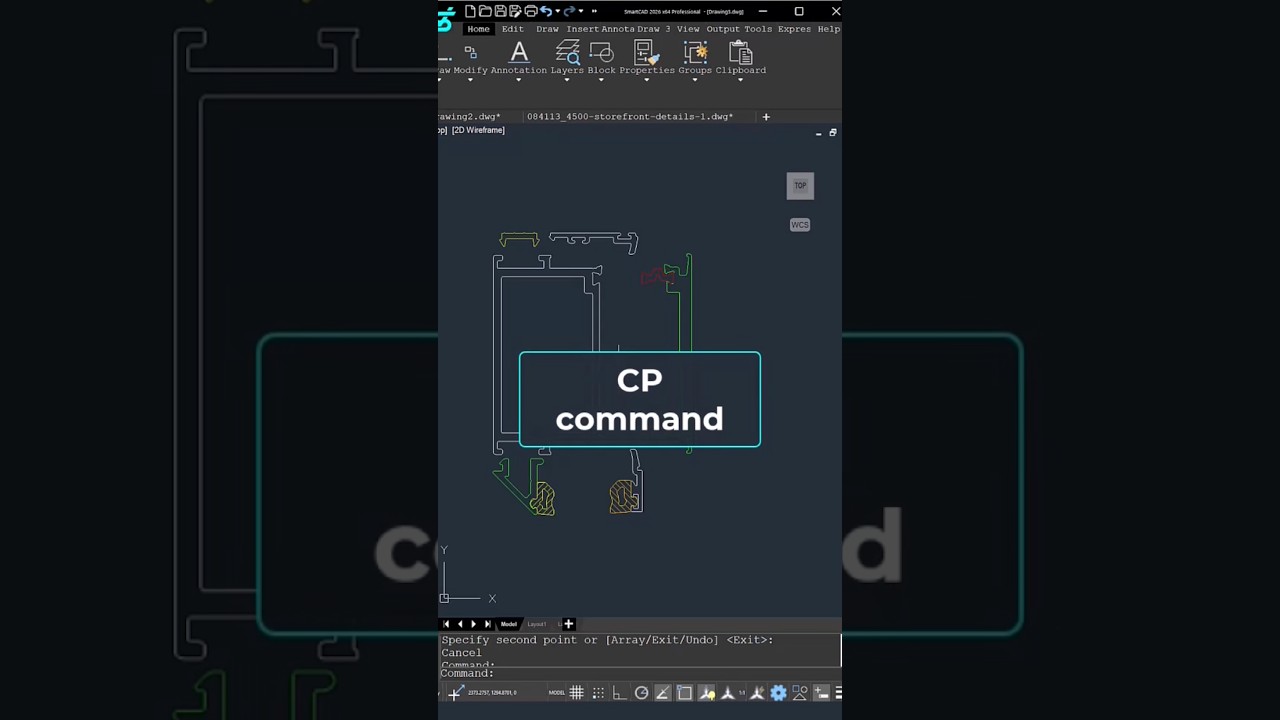
Short, practical CAD command tutorials — no filler, no fluff. Each video demonstrates a specific command in a real workflow context. Therefore, you can watch one between meetings and immediately apply it.
More command tutorials every week. Subscribe on YouTube →
View All CAD Shorts →30 days, every feature unlocked, no credit card required. Open your DWGs, import your PGP, work normally — then decide.